
Moving to Lefori
Moving from paper or Excel? We move you over.
Most shops come to Lefori from a notebook, a receipt book or a spreadsheet. Here is how the move works, what changes on day one, and a simple way to compare the costs.
No payment to start, and we set it up with you. Questions first? Ask on WhatsApp.
How the move works
Five steps, and you are not doing them alone.
- Day one
Start your trial
Sign up in a few minutes, or book a demo and we start it with you.
- Your stock list
We load it with you
Send your list in Excel, or fill in the Lefori import template. Items, prices and opening stock go in together.
- Your team
Logins and roles
Each person gets their own login and a role, so a cashier only reaches what a cashier needs.
- Before go-live
Training
The Lefori team trains your staff on the screens they will use.
- From then on
Sell
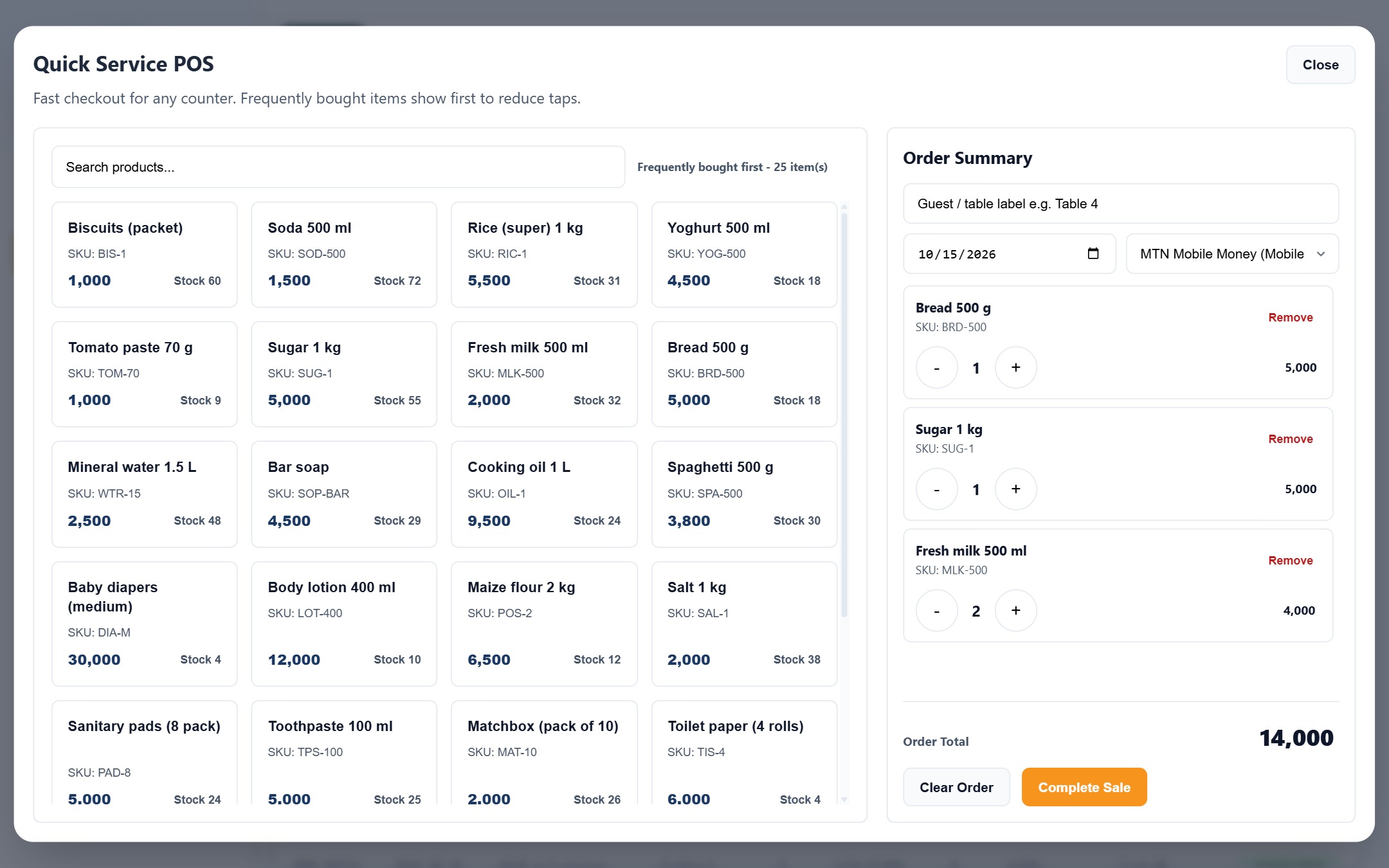
Every sale, delivery and payment is recorded as it happens. The notebook can go back to shopping lists.
What changes
The same shop, two ways of running it.
Compare the costs
What does running on paper cost you each month?
Put in your own numbers. The figures already filled in are only examples, so change them to match your shop.
Before you switch
The questions owners ask first.
I have no stock list at all. Can I still start?
Yes. Many shops start by entering their items as they sell or receive them, and the team can help you build the list.
What happens after the 30 days?
You get reminders 3 days before the trial ends, the day before and on the last day. To keep using Lefori, choose a plan in Settings and pay monthly or yearly.
What equipment do I need?
The computer, tablet or phone you already have is enough to start. Receipt printers and barcode scanners are optional. See the equipment guide.
Does it work when the internet goes off?
Yes. Sales can be recorded offline and sync when the connection is back.
Keep the notebook. For shopping lists.
Start your 30 days now with no payment, or book a walkthrough first.